

HTML Color Codes: Complete Guide to HEX, RGB, HSL & CSS Color Systems for Modern Web Design
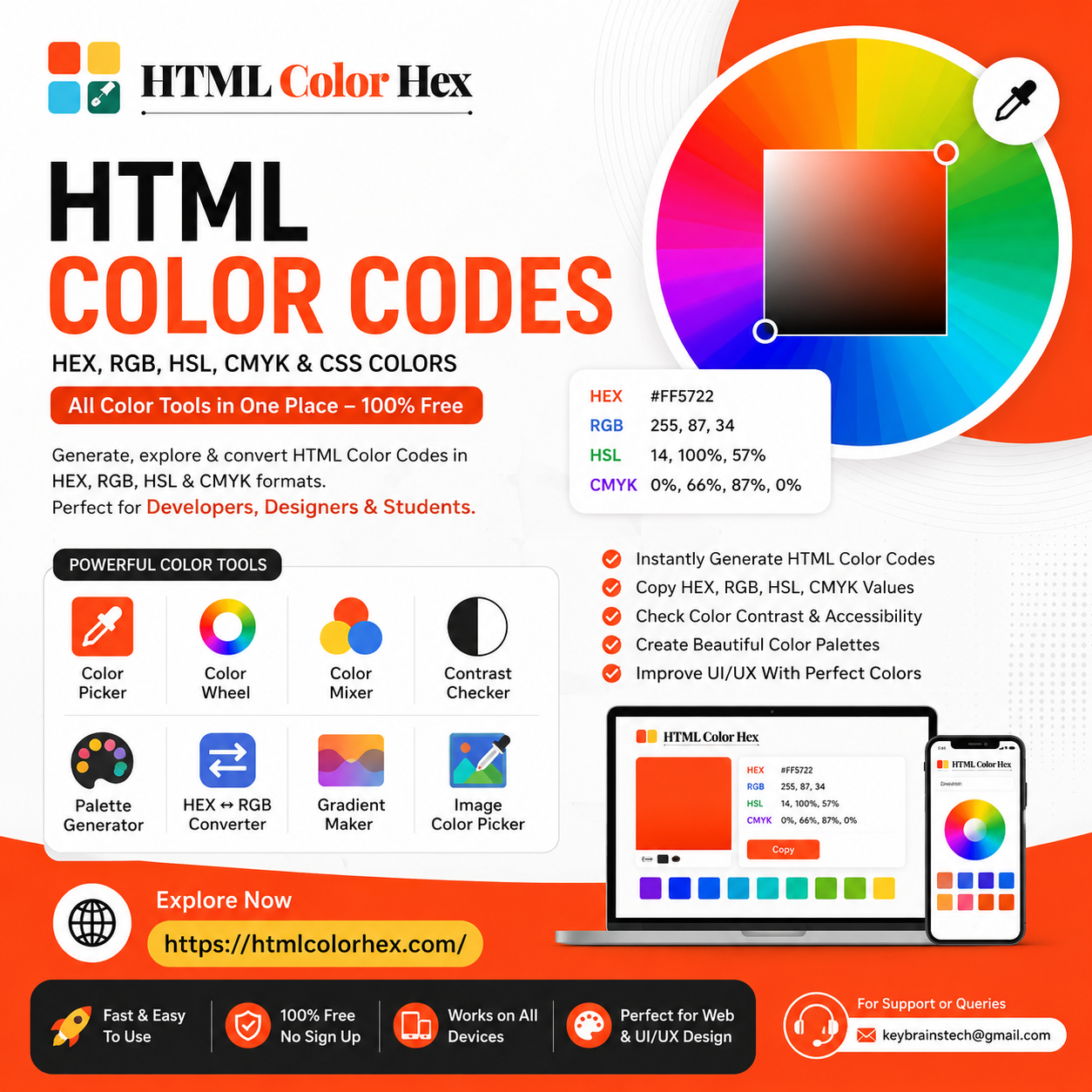
HTML Color Codes: Complete Guide to HEX, RGB, HSL & CSS Colors
Color is one of the most powerful elements in web design. It defines brand identity, improves user experience, and influences how users interact with digital products. Understanding HTML Color Codes is essential for developers, UI/UX designers, and students who want to build visually appealing and accessible websites.
In this guide, you’ll learn everything about HEX, RGB, HSL, and CMYK color systems, how they work in CSS, and how to use modern tools like HTMLColorHex.com to simplify your workflow.
What Are HTML Color Codes?
HTML Color Codes are standardized values used to define colors in web development and digital design. These codes tell browsers exactly how to display a specific color on screens.
Instead of naming colors loosely like “blue” or “green,” developers use precise formats such as:
- HEX Color Codes: #3498db
- RGB Color Codes: rgb(52, 152, 219)
- HSL Color Values: hsl(204, 70%, 53%)
These formats ensure consistency across devices, browsers, and platforms.
Modern design workflows rely heavily on color systems because they allow precise control over UI appearance and accessibility.
Understanding HEX Color Codes
HEX Color Codes are the most commonly used format in web design. They start with a # followed by six characters representing red, green, and blue values.
Example:
#FFFFFF → White
#000000 → Black
#FF5733 → Orange-red
Each pair defines intensity:
- First two → Red
- Middle two → Green
- Last two → Blue
HEX codes are widely used because:
- They are compact and easy to copy
- Supported by all browsers
- Perfect for CSS styling
Example in CSS:
body {
background-color: #f4f4f4;
}
RGB Color Model Explained
The RGB Color Model is based on light mixing. It stands for:
- R = Red
- G = Green
- B = Blue
Each value ranges from 0 to 255.
Example:
rgb(255, 0, 0) → Red
rgb(0, 255, 0) → Green
rgb(0, 0, 255) → Blue
RGB is widely used in:
- Screen-based design
- UI development
- Digital graphics
Unlike HEX, RGB is more intuitive for adjusting brightness and blending colors dynamically in JavaScript or CSS animations.
Example in CSS:
h1 {
color: rgb(34, 120, 200);
}
HSL Color Values in Web Design
HSL (Hue, Saturation, Lightness) is a more human-friendly color model.
- Hue → The type of color (0–360° on the color wheel)
- Saturation → Intensity of the color (0%–100%)
- Lightness → Brightness (0%–100%)
Example:
hsl(200, 80%, 50%)
Why designers love HSL:
- Easier to create color variations
- Perfect for theming systems
- Great for dark/light mode design
Example in CSS:
button {
background-color: hsl(220, 70%, 55%);
}
CMYK vs RGB (When to Use What)
The CMYK Color Model is used for print design, while RGB is used for screens.
- CMYK → Cyan, Magenta, Yellow, Black (Printing)
- RGB → Red, Green, Blue (Digital screens)
Key difference:
- RGB adds light (used in monitors, websites)
- CMYK subtracts light (used in printers)
If you're designing a website, always use RGB or HEX. If you're preparing brochures or business cards, CMYK is essential.
How to Use HTML Color Codes in CSS
CSS makes it easy to apply colors using different formats.
HEX Example:
p {
color: #2ecc71;
}
RGB Example:
p {
color: rgb(46, 204, 113);
}
HSL Example:
p {
color: hsl(145, 63%, 49%);
}
All three produce the same visual color but are used differently depending on workflow preference.
Best Free Color Picker Tools for Designers
Choosing the right colors manually can be difficult. That’s why designers rely on online tools like HTMLColorHex.com.
This platform helps developers and designers:
- Generate HEX, RGB, HSL, and CMYK values instantly
- Explore professional color palettes
- Copy color codes with one click
- Test combinations visually
Whether you're building a website or designing a mobile UI, a Color Picker Tool simplifies the entire process.
How to Build a Modern Color Palette
A strong Web Color Palette improves brand consistency and user experience.
Steps to build a palette:
- Choose a primary brand color
- Create lighter and darker variations
- Add neutral colors (gray, white, black)
- Include accent colors for CTAs
- Test accessibility contrast
Modern UI systems often use 3–5 core colors and multiple shades for scalability.
Importance of Color Contrast in Web Accessibility
Good design is not just about beauty—it must also be readable.
A Contrast Checker Tool ensures text is visible for all users, including those with visual impairments.
Key accessibility guidelines:
- High contrast between text and background
- Minimum WCAG AA compliance
- Avoid similar foreground/background colors
Trending Colors in Web Design 2026
Modern UI trends are shifting toward:
- Soft pastel gradients
- Neon accent colors
- Dark mode palettes
- Glassmorphism-inspired tones
- Natural earth colors
Designers are increasingly using Color Wheel Tools and AI-assisted palette generators to stay updated with trends.
Why Designers Use Online Color Tools
Online tools save time and improve accuracy. Instead of guessing values manually, designers can:
- Instantly generate CSS Color Codes
- Convert between HEX, RGB, and HSL
- Test accessibility contrast
- Build responsive UI palettes
HTMLColorHex.com Color Tools Overview
HTMLColorHex.com offers a complete suite of free design tools:
- Color Picker – Select and copy any color instantly
- Color Wheel – Explore harmonies and relationships
- Color Mixer – Blend multiple colors
- Contrast Checker – Ensure accessibility compliance
- HEX ↔ RGB Converter – Switch formats easily
- Gradient Maker – Create smooth color transitions
- Image Color Picker – Extract colors from images
These tools make it easy to build professional-grade UI designs without expensive software.
FAQ: HTML Color Codes
1. What are HTML color codes?
HTML color codes are values used in web design to define colors using HEX, RGB, or HSL formats.
2. What is a HEX color code?
A HEX code is a six-character representation of a color, such as #FFFFFF for white.
3. How do RGB and HSL differ?
RGB uses light mixing values, while HSL uses hue, saturation, and lightness for easier adjustments.
4. How do I pick the best color for my website?
Use a Color Picker Tool and test combinations with a contrast checker for accessibility.
5. What is a color picker tool?
A tool that helps you select and generate color codes instantly for web design.
6. How do I check color contrast?
Use an online Contrast Checker Tool to ensure readability and WCAG compliance.
7. Is HTMLColorHex.com free to use?
Yes, it is completely free and offers tools for HEX, RGB, HSL, and CMYK color generation.
Final Thoughts
Understanding HTML Color Codes is essential for every web designer and developer. Whether you're working with HEX, RGB, or HSL, mastering color systems improves both aesthetics and usability.
With powerful tools like https://htmlcolorhex.com/ you can easily create modern color palettes, test accessibility, and speed up your design workflow.
Start experimenting with colors today and build more visually engaging websites.
For support or queries: keybrainstech@gmail.com

 English
 Arabic
 French
 Spanish
 Portuguese
 Turkish
 Dutch
Dutch
 Italiano
 Russian
 Romaian
 Portuguese (Brazil)
 Greek
Greek