

HTML Color Codes: Complete Guide to HEX, RGB, HSL & CSS Color Systems for Modern Web Design
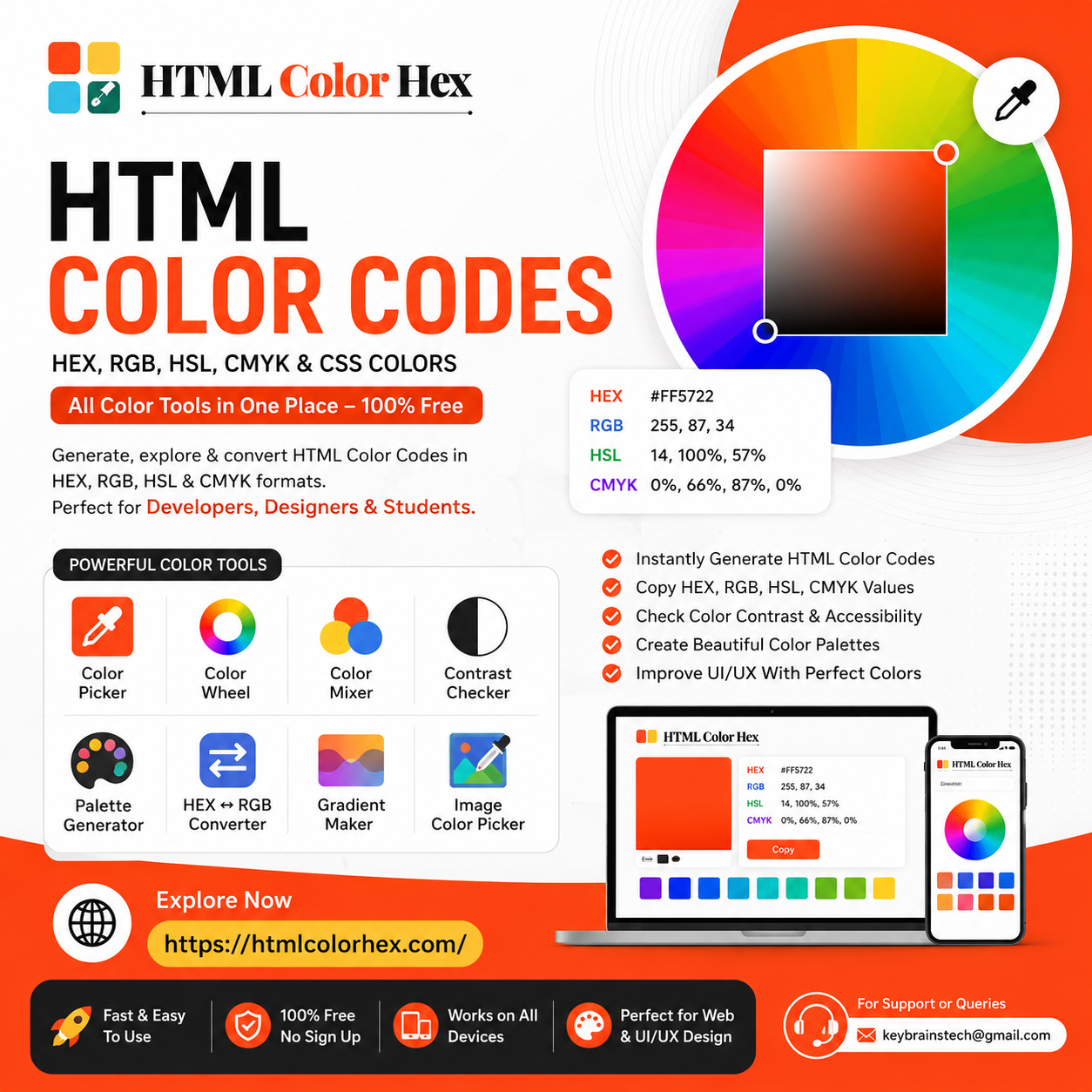
HTML Color Codes: Complete Guide to HEX, RGB, HSL & CSS Colors
What Are HTML Color Codes?
HTML color codes are standardized values used to define and display colors on websites, apps, and digital interfaces. They allow developers and designers to maintain consistent branding and visual identity across all screens.
In web development, colors are not chosen randomly—they are defined using structured formats like HEX, RGB, HSL, and CMYK. These formats ensure that browsers interpret colors accurately.
For example, a pure white color can be written as:
- HEX: #FFFFFF
- RGB: rgb(255, 255, 255)
- HSL: hsl(0, 0%, 100%)
These color systems are the foundation of modern UI/UX design.
Understanding HEX Color Codes
HEX color codes are the most widely used format in web design. A HEX code starts with a # followed by six characters combining numbers and letters.
Example:
- #FF5733 (orange-red tone)
- #000000 (black)
- #FFFFFF (white)
How HEX Works
HEX is based on the RGB color model, where:
- First two digits = Red
- Middle two digits = Green
- Last two digits = Blue
Each pair ranges from 00 to FF in hexadecimal format.
Why Designers Prefer HEX
- Easy to use in CSS
- Widely supported in browsers
- Perfect for branding consistency
- Compact and readable
RGB Color Model Explained
RGB stands for Red, Green, and Blue, the three primary light colors used in digital displays.
Example:
color: rgb(255, 0, 0);
This produces a bright red color.
How RGB Works
Each color channel ranges from 0 to 255:
- 0 means no intensity
- 255 means full intensity
By mixing these values, millions of colors can be created.
When to Use RGB
- Dynamic web effects
- JavaScript-based color manipulation
- UI animations and interactive elements
HSL Color Values in Web Design
HSL stands for Hue, Saturation, and Lightness. It is a more human-friendly way to define colors.
Example:
color: hsl(120, 100%, 50%);
Breakdown of HSL
- Hue: The type of color (0–360 degrees on color wheel)
- Saturation: Intensity of color (0% = gray, 100% = full color)
- Lightness: Brightness (0% = black, 100% = white)
Why HSL Is Useful
- Easier color adjustments
- Great for UI themes (dark/light mode)
- Better control over gradients and shades
CMYK vs RGB (When to Use What)
CMYK stands for Cyan, Magenta, Yellow, and Key (Black) and is primarily used in printing.
Key Difference:
- RGB → Digital screens (websites, apps)
- CMYK → Printed materials (brochures, banners)
Example:
- RGB: rgb(0, 128, 255)
- CMYK: 100%, 50%, 0%, 0%
If you're designing a website, always use RGB or HEX. For print materials, CMYK is essential.
How to Use HTML Color Codes in CSS
CSS makes it easy to apply color codes to web elements.
Example Usage:
body {
background-color: #f4f4f4;
color: rgb(33, 33, 33);
}
h1 {
color: hsl(210, 80%, 40%);
}
Common CSS Color Properties:
- color (text color)
- background-color
- border-color
- box-shadow
Using consistent color codes improves UI clarity and user experience.
Best Free Color Picker Tools for Designers
Choosing the right colors manually can be difficult. That’s where online tools help.
A powerful platform like HTMLColorHex.com provides everything designers need in one place.
You can use it to:
- Pick any color visually
- Copy HEX, RGB, and HSL instantly
- Generate matching palettes
- Test accessibility contrast
It’s especially useful for UI designers, frontend developers, and students learning web design.
How to Build a Modern Color Palette
A strong color palette is the foundation of any great UI design.
Steps to Create a Palette:
- Choose a primary brand color
- Select complementary colors using the color wheel
- Add neutral tones (gray, white, black)
- Define success, warning, and error colors
- Maintain consistency across UI components
Pro Tip:
Use a color harmony rule:
- Analogous (smooth transitions)
- Complementary (high contrast)
- Triadic (balanced diversity)
Importance of Color Contrast in Web Accessibility
Color contrast affects readability and accessibility. Poor contrast makes content difficult to read for users with visual impairments.
A Contrast Checker Tool helps ensure compliance with accessibility standards like WCAG.
Best Practices:
- Use dark text on light backgrounds (or vice versa)
- Maintain at least 4.5:1 contrast ratio for text
- Avoid using color alone to convey meaning
Good contrast improves usability and SEO performance as well.
Trending Colors in Web Design 2026
Modern UI design trends focus on clean, adaptive, and emotionally engaging colors.
Popular Trends:
- Soft gradients (blue-purple blends)
- Dark mode palettes
- Neon accents on dark backgrounds
- Earthy natural tones
- Minimal monochrome UI systems
Designers now prioritize accessibility and emotional impact over overly bright visuals.
Why Designers Use Online Color Tools
Online color tools simplify the entire design workflow.
Benefits include:
- Faster color selection
- Instant code conversion
- Real-time previews
- Accessibility testing
- Palette generation in seconds
Instead of manually calculating values, designers can focus on creativity and UI structure.
HTMLColorHex.com Color Tools Overview
HTMLColorHex.com provides a complete suite of professional design tools:
- Color Picker Tool – Select and extract colors visually
- Color Wheel Tool – Create balanced color harmonies
- Color Mixer – Blend multiple colors into new shades
- Contrast Checker Tool – Test readability and accessibility
- HEX ↔ RGB Converter – Convert formats instantly
- Gradient Maker – Build modern CSS gradients
- Image Color Picker – Extract colors from uploaded images
- Palette Generator – Create professional UI palettes
These tools help developers, designers, and students build modern, accessible, and visually appealing interfaces.
Frequently Asked Questions (FAQs)
What are HTML color codes?
HTML color codes are values used to define colors in web development using formats like HEX, RGB, and HSL.
What is a HEX color code?
A HEX color code is a six-digit hexadecimal value representing red, green, and blue color channels.
How do RGB and HSL differ?
RGB uses light intensity values, while HSL uses hue, saturation, and lightness for more intuitive control.
How do I pick the best color for my website?
Use a color picker tool and consider brand identity, readability, and accessibility contrast.
What is a color picker tool?
It is a digital tool that allows users to visually select and generate color codes instantly.
How do I check color contrast?
You can use a contrast checker tool to ensure text readability and accessibility compliance.
Is HTMLColorHex.com free to use?
Yes, all tools on HTMLColorHex are completely free.
Final Thoughts
HTML color codes are essential for modern web design. Whether you're working with HEX, RGB, HSL, or CMYK, understanding how colors interact is key to building professional and visually appealing digital products.
Instead of guessing colors manually, designers and developers can speed up their workflow using smart tools like https://htmlcolorhex.com/
Try the color picker, explore palettes, and test contrast accessibility to create better UI experiences today.
For support or queries: keybrainstech@gmail.com
 English
 Arabic
 French
 Spanish
 Portuguese
 Deutsch
 Turkish
 Dutch
Dutch
 Italiano
 Russian
 Romaian
 Portuguese (Brazil)
 Greek
Greek